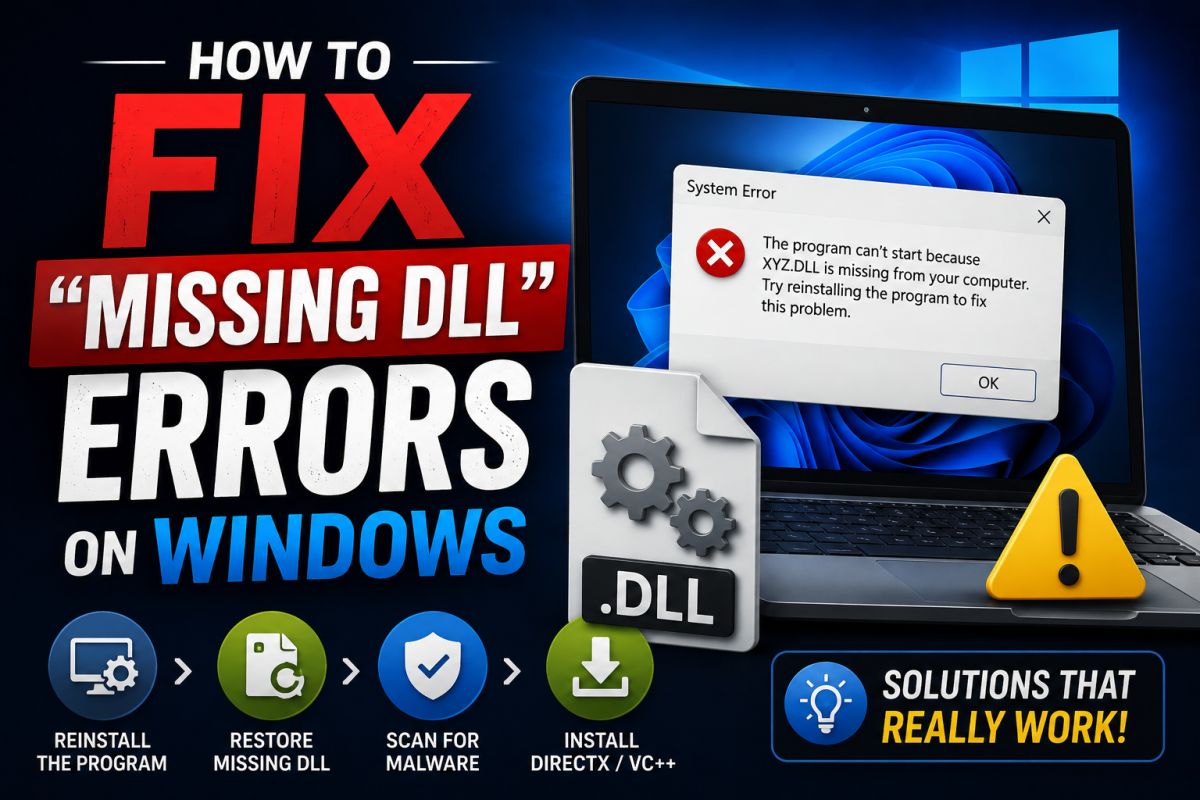
“Missing DLL” messages rarely mean you should download a single .dll from a random website. Those sites are a frequent malware source.
Typical causes
- Visual C++ Redistributable not installed
- .NET Desktop Runtime missing
- Incomplete program install
- Corrupted app files
Safe troubleshooting order
- Reinstall the application from a clean download.
- Install the matching Visual C++ Redistributable (x86/x64) from Microsoft.
- Install required .NET runtimes from Microsoft if needed.
- Run
sfc /scannowin an admin terminal if system DLLs may be involved. - Check the program’s official docs for dependencies.
What to avoid
- DLL-only download sites
- Copying DLLs from another PC without understanding versions
- Disabling security tools to “make it work”
Fix the dependency chain, not a single file in isolation.
💬 Comments (0)
💬 Leave a Comment
No comments yet. Be the first to comment!