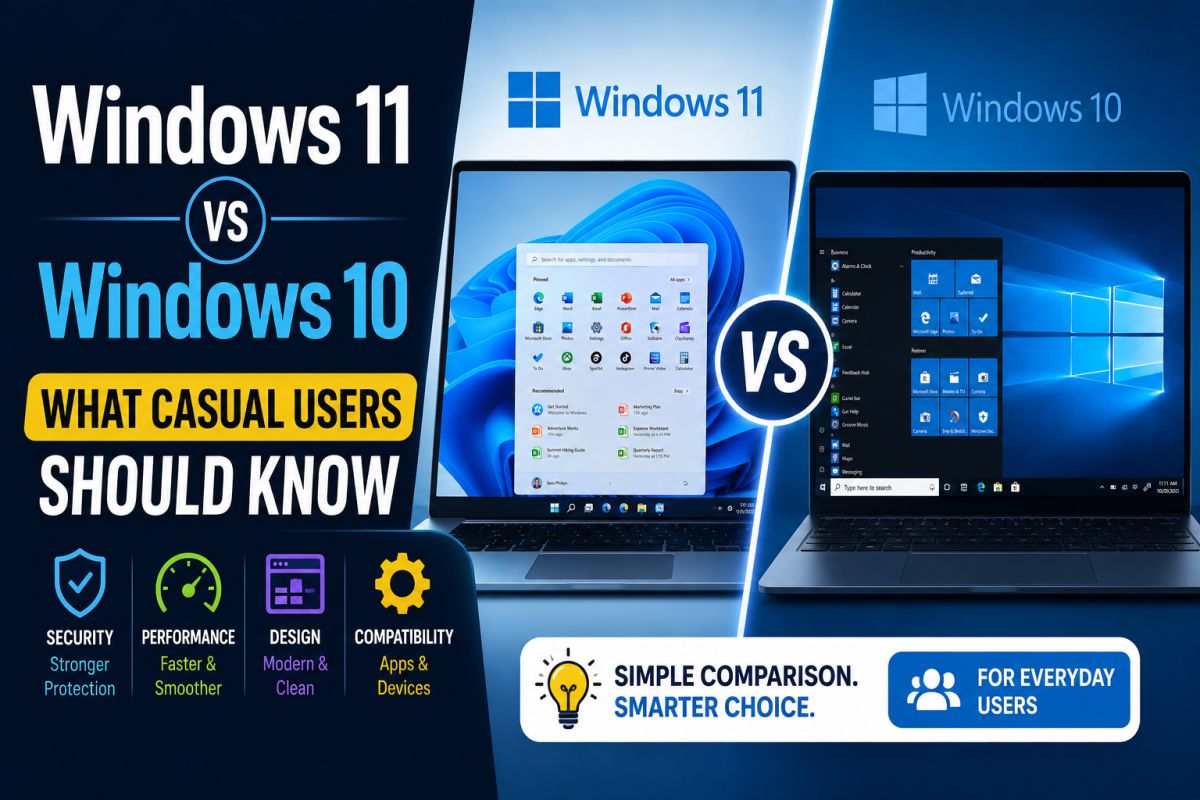
Choosing between Windows 10 and Windows 11 depends on hardware, apps, and how you use the PC — not only on marketing screenshots.
Windows 10 — still common
- Runs on a wide range of older PCs
- Familiar Start menu and desktop layout
- Still used in shops and offices with legacy hardware
Check Microsoft’s current support timeline for your edition.
Windows 11 — newer baseline
- Updated UI (Start, taskbar, settings)
- Stricter hardware requirements on official installs
- Ongoing feature and security updates on supported devices
What casual users should decide on
- Does your PC officially support Windows 11?
- Do your printers, scanners, and tools work on 11?
- Is your backup ready before upgrading?
Practical recommendation
If the PC is supported and your software works, Windows 11 is a reasonable path. If hardware is old or a critical app is untested, staying on a still-supported Windows 10 install with updates can be safer short-term.
Upgrade for compatibility and support, not for looks alone.
💬 Comments (0)
💬 Leave a Comment
No comments yet. Be the first to comment!