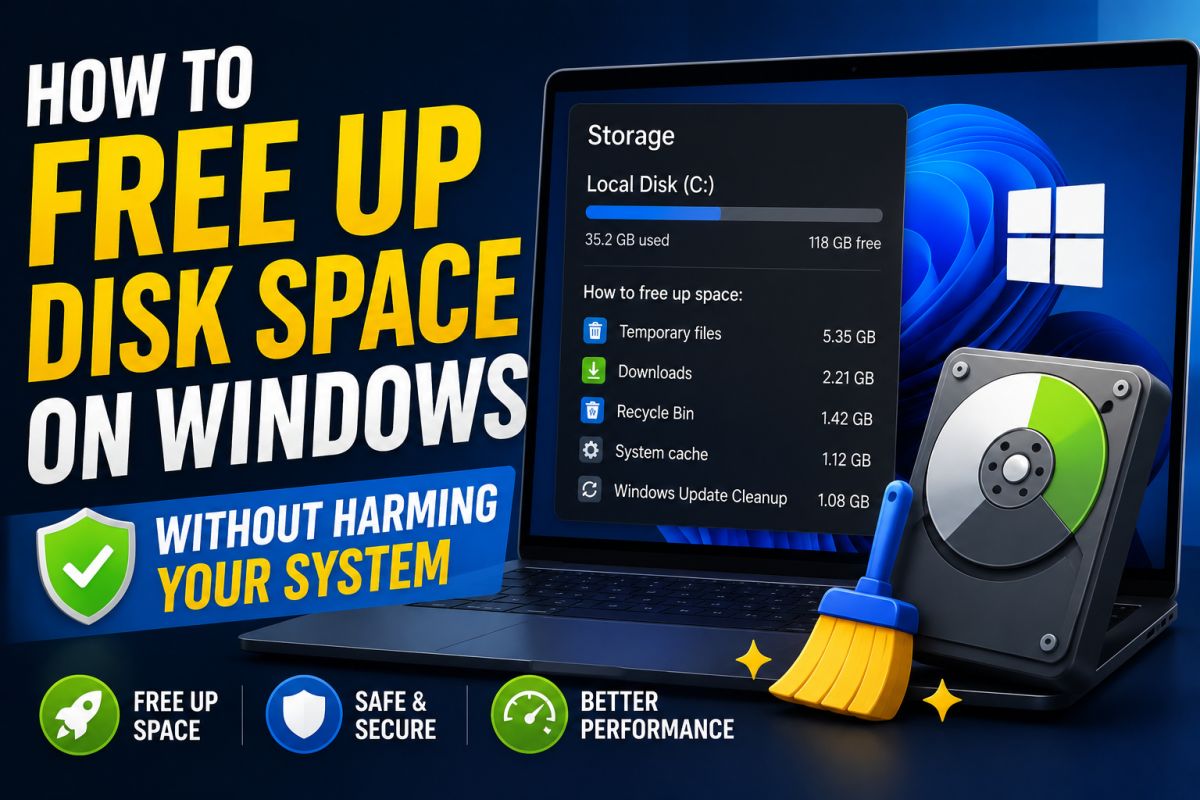
Low disk space slows Windows and blocks updates. You can free space safely without deleting system files at random.
1. Storage settings
Settings → System → Storage. Review large categories and use Temporary files cleanup for safe items like Update leftovers and Recycle Bin.
2. Disk Cleanup / Storage Sense
Run Disk Cleanup as administrator and include Windows Update cleanup when listed. Enable Storage Sense for automatic temp cleanup.
3. Uninstall unused apps
Settings → Apps. Sort by size. Remove what you do not use. Safer than manually deleting Program Files folders.
4. Move personal files
Videos, photos, and ISOs can move to another drive or external disk.
5. What not to delete
- Random folders inside Windows\System32
- Unknown .dll files from social media “cleaner” tips
- Whole WinSxS folder by hand
6. Optional advanced steps
Advanced users may manage hibernation size or old restore points after creating a fresh one — only if they understand the tradeoff.
Clean storage is maintenance — not a reason to strip Windows core files.
💬 Comments (0)
💬 Leave a Comment
No comments yet. Be the first to comment!