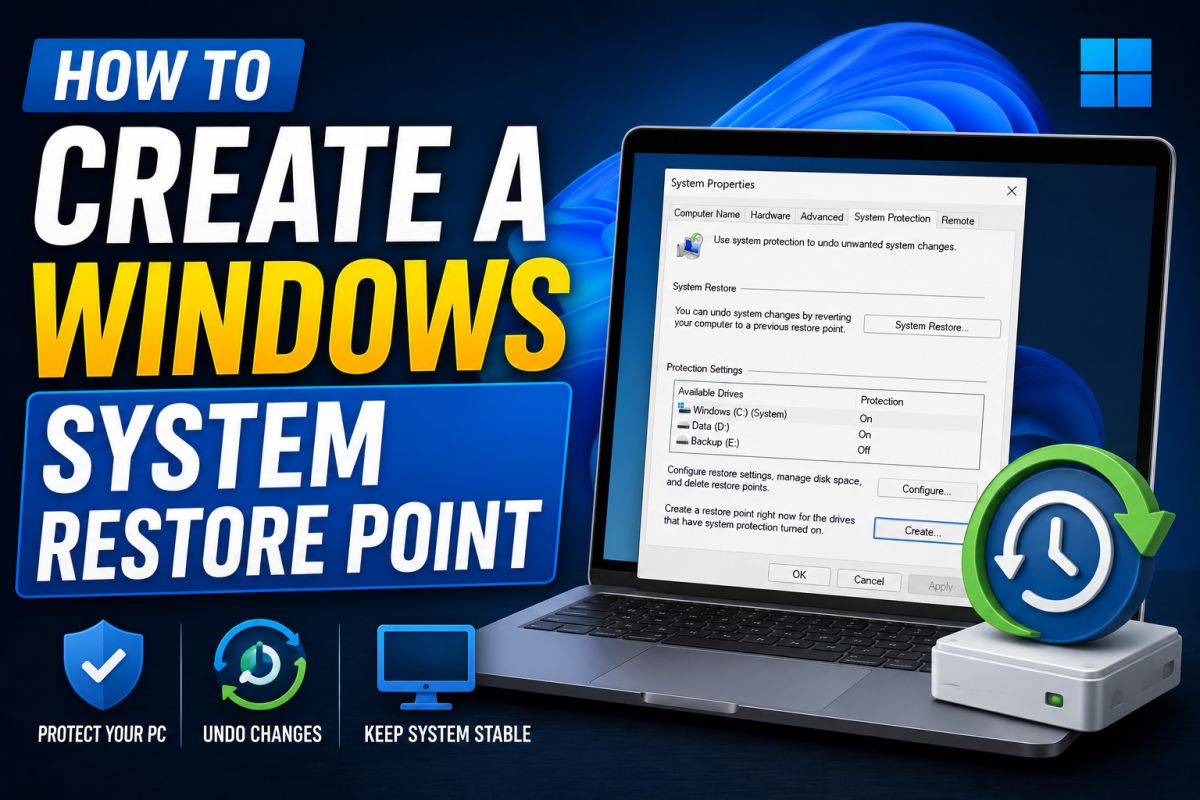
Before installing drivers or system utilities, a restore point can save hours of recovery work.
Steps on Windows 10/11
- Search for Create a restore point in the Start menu.
- Open System Properties → System Protection.
- Select your system drive (usually C:) → Configure → turn on protection if needed.
- Click Create, give it a clear name (for example, “Before GPU driver”), then confirm.
When to create one
- Before GPU or chipset drivers
- Before unfamiliar system utilities
- Before major Windows updates on a critical PC
How to use it later
From Advanced startup or System Restore, choose the point you created and roll back. Personal files usually remain; recently installed programs may be removed.
Restore points are not a full backup — still keep copies of important documents.
💬 Comments (0)
💬 Leave a Comment
No comments yet. Be the first to comment!