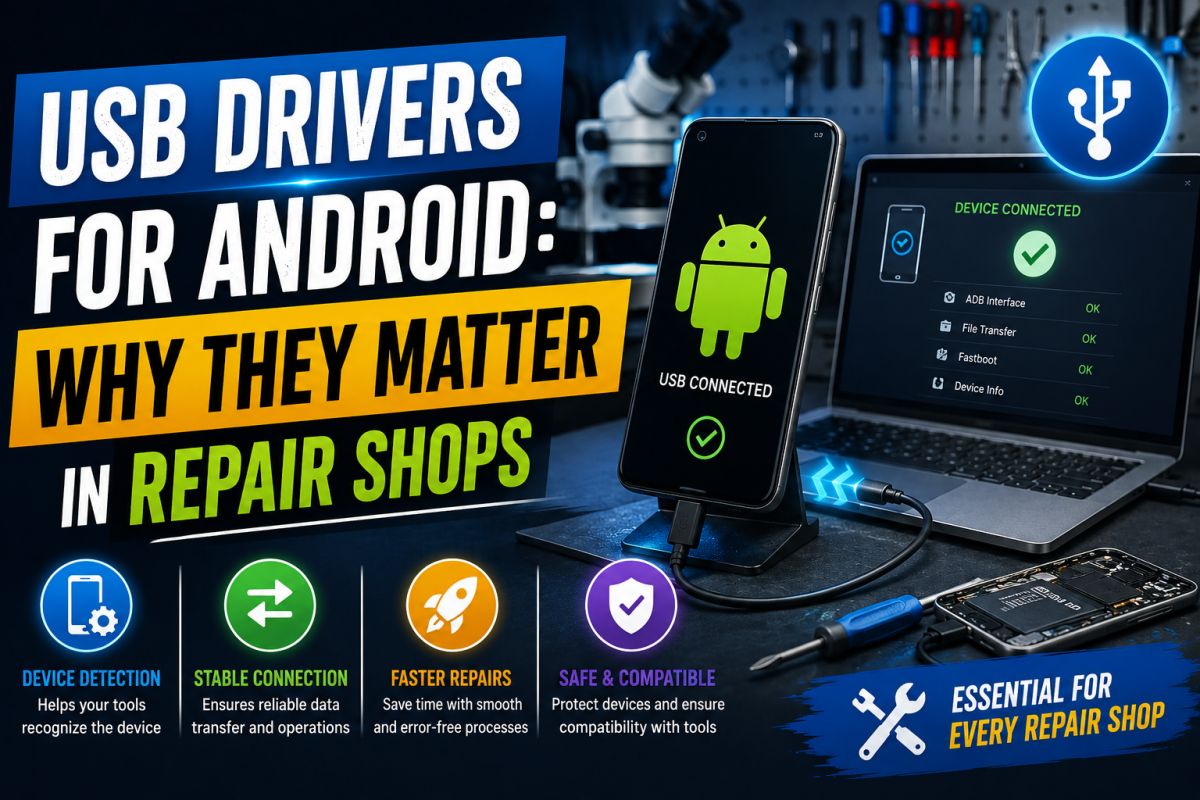
Without the correct USB driver, a PC may not detect a phone in ADB, Fastboot, or download mode — and a repair job stalls at step one.
Common shop problems
- Device shows “Unknown device” in Device Manager
- ADB lists no devices
- Flashing tools fail at the connection step
- Wrong “universal” pack breaks previously working brands
Best practices
- Keep a small library of OEM or trusted driver packs per brand.
- Use original or good-quality cables; try another USB port.
- Install drivers before launching flash tools.
- Scan installers; avoid shady all-in-one packs from unknown sources.
Workflow tip
Label a folder per brand with the driver version and date tested. Consistency saves time under pressure.
Connection reliability is part of professional repair quality.
💬 Comments (0)
💬 Leave a Comment
No comments yet. Be the first to comment!