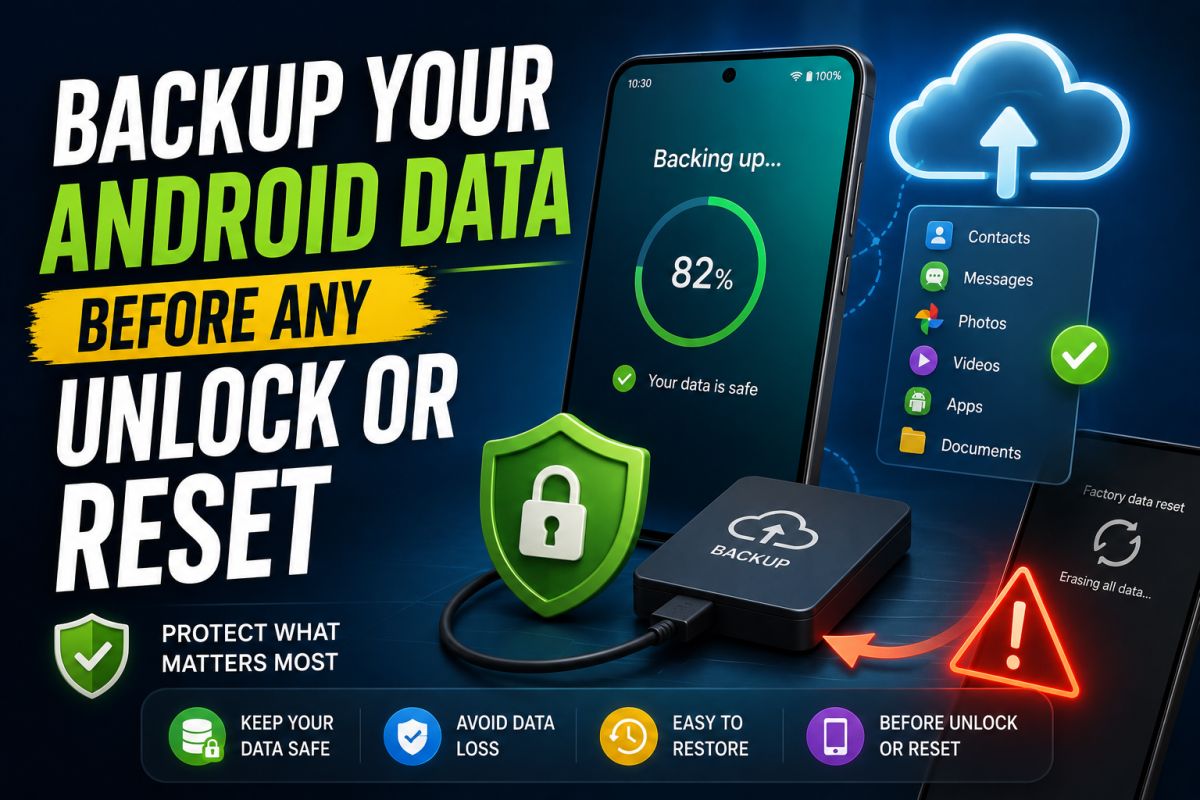
Factory resets and many unlock procedures erase user data. Backup first whenever the device still boots.
What to back up
- Photos and videos (Google Photos or copy to PC)
- WhatsApp and other chat backups
- Contacts (account sync)
- Documents on internal storage
- 2FA recovery codes stored only on the phone
If the device does not boot
Options shrink quickly. Professional shops may use brand tools when authorized. Do not promise full recovery after a wipe.
Habit for technicians
Tell every customer: “Backup first.” Document that the warning was given.
After backup
Verify a few files opened correctly on another device before you proceed with reset or service work.
A ten-minute backup can save days of lost data.
💬 Comments (0)
💬 Leave a Comment
No comments yet. Be the first to comment!