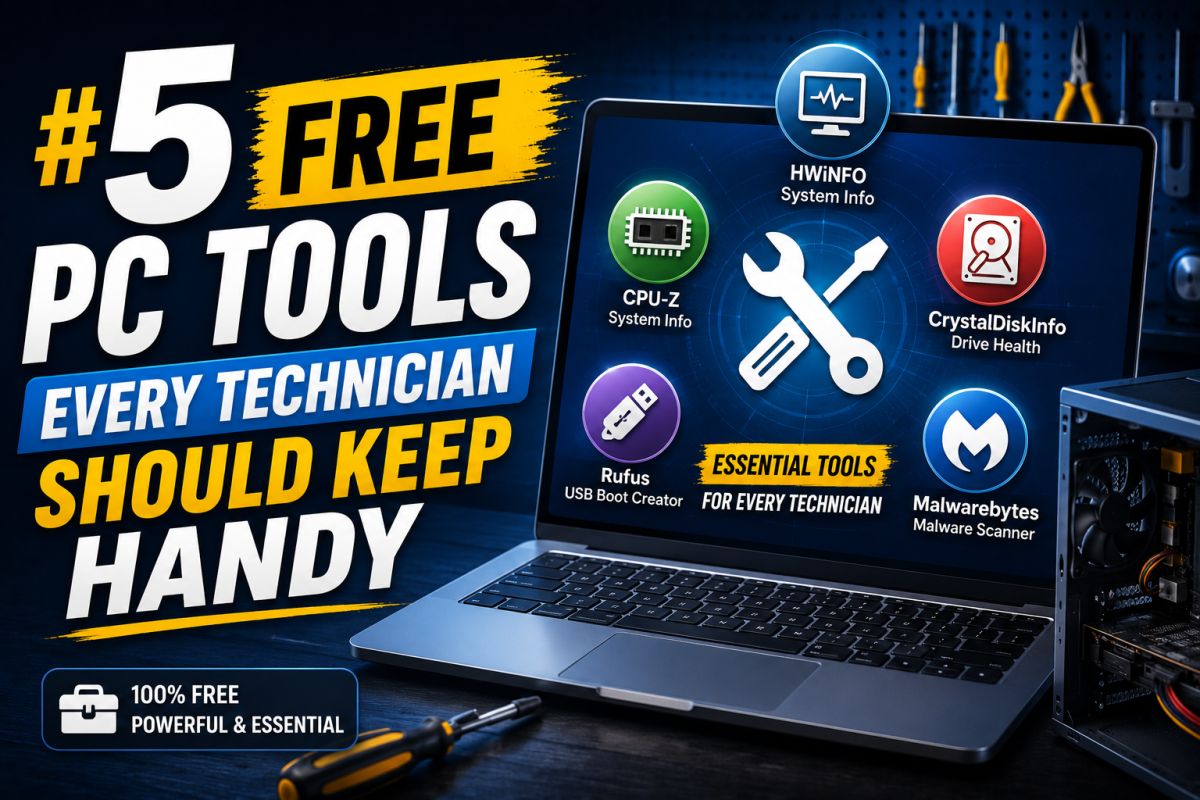
Technicians do not need dozens of random utilities — they need a small, reliable set. Here are five practical categories.
1. System information
Tools that show CPU, RAM, motherboard, and sensors help before upgrades and driver installs (CPU-Z / HWMonitor-style apps from trusted publishers).
2. Disk health
S.M.A.R.T. viewers help catch failing drives before full data loss (CrystalDiskInfo-style tools from official sources).
3. Archiver
A solid free archiver (such as 7-Zip) handles zip/7z packages customers bring in.
4. Imaging / USB writer
A trusted image writer helps create install and recovery sticks (Etcher-style or official media tools).
5. Network / remote basics (as needed)
Depending on the shop: a properly licensed remote support option, or built-in Windows remote tools when appropriate.
Rules for the kit
- Download from official sites
- Scan installers
- Keep a written list of versions you trust
A small clean toolkit beats a folder full of unknown “repair all-in-one” packs.
💬 Comments (0)
💬 Leave a Comment
No comments yet. Be the first to comment!