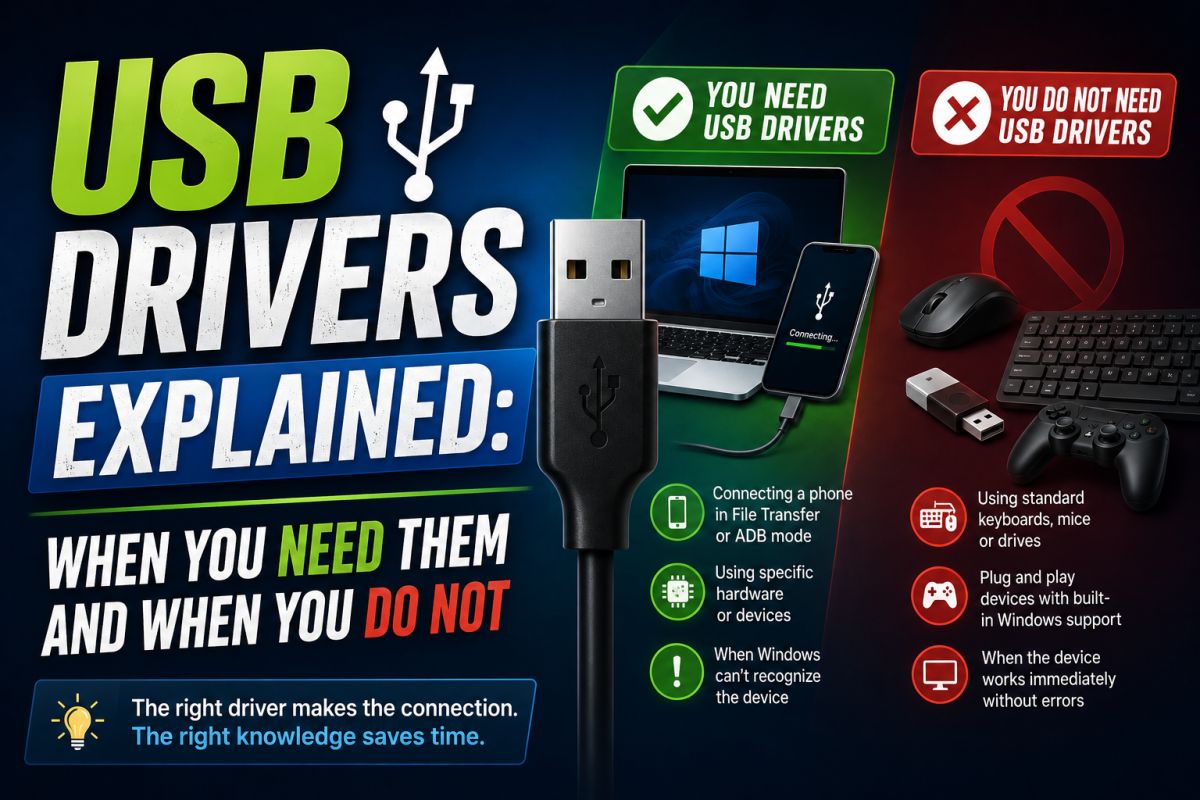
Many Android tools ask you to install USB drivers. Understanding why helps you avoid wrong installs and failed connections.
What USB drivers do
They let Windows recognize your phone in normal mode, file transfer, or fastboot/download mode. Without the right driver, Device Manager may show an unknown device.
When drivers are required
- Flashing firmware with manufacturer tools
- Using ADB for troubleshooting
- Some service procedures on authorized devices
- First-time connection of certain brands on a new PC
When Windows already works
Modern phones often work with generic Windows drivers for simple file copy (MTP). Special drivers matter more for repair modes.
How to install more safely
- Identify the phone brand and model.
- Prefer the OEM driver package or Google USB driver when appropriate.
- Download from official or well-documented sources.
- Scan the installer, then reboot if the guide requires it.
Safety tips
- Match the driver to your brand when possible
- Avoid unsigned driver packs from unknown sites
- Disable driver signature enforcement only if a trusted guide requires it, then re-enable afterward
Correct drivers fix connection problems; wrong packs create new ones.
💬 Comments (0)
💬 Leave a Comment
No comments yet. Be the first to comment!