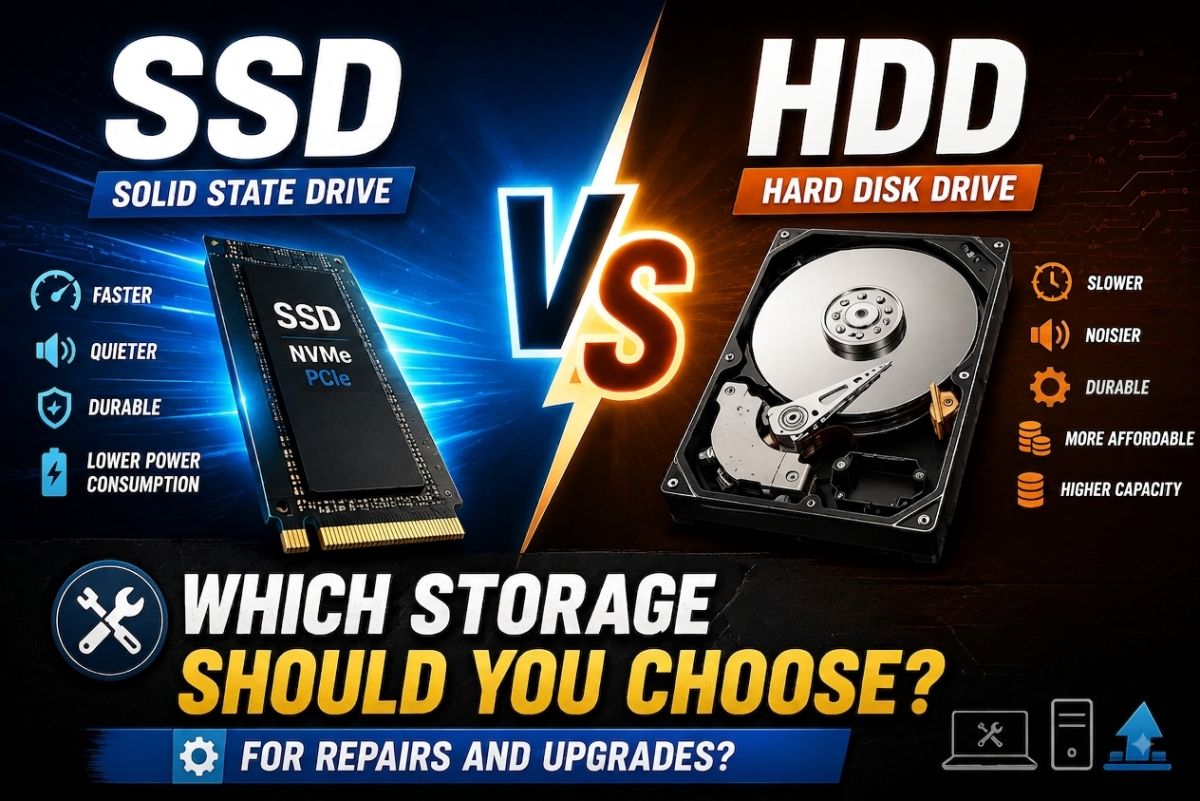
Upgrading storage is one of the best performance improvements for an old PC. Customers and technicians need clear advice.
HDD (Hard Disk Drive)
- Lower cost per gigabyte
- Fine for media archives and backups
- Slower boot and app load times
- More sensitive to drops and movement
SSD (Solid State Drive)
- Much faster boot and program launch
- Better for the Windows system drive
- More resistant to physical shock
- Higher cost per GB (still improving)
Simple recommendation
Use an SSD for Windows and programs. Keep a larger HDD for videos and backups if the budget is tight.
Upgrade tips for technicians
- Clone the old disk with a reliable tool when preserving the system.
- Keep the old drive until the customer confirms everything works.
- Explain that speed gains are most visible on boot and app load.
Match the advice to budget and use case.
💬 Comments (0)
💬 Leave a Comment
No comments yet. Be the first to comment!