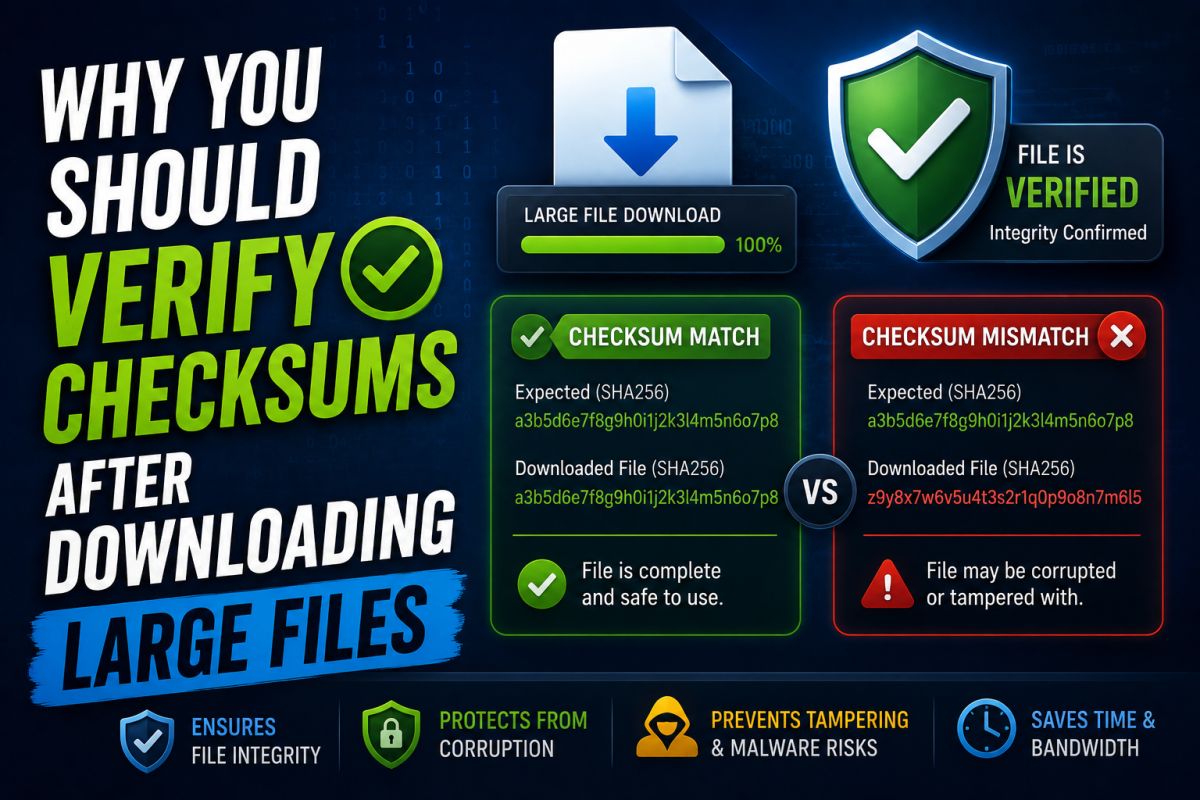
A checksum (for example SHA-256) is a fingerprint of a file. If one bit changes, the hash changes. That helps confirm the file you downloaded matches what the publisher published.
Why it matters for large files
- Detects corrupt downloads
- Helps spot tampered mirrors
- Common for ISOs, SDKs, and system tools
How to verify on Windows
- Get the official hash from the publisher’s site.
- In PowerShell,
Get-FileHashcan compute SHA-256 for your local file. - Compare the strings carefully (same algorithm, full hash).
If the hash does not match
Do not install. Re-download from the official source. A mismatch can mean corruption or a wrong file.
Checksums take a minute and prevent long recovery sessions later.
💬 Comments (0)
💬 Leave a Comment
No comments yet. Be the first to comment!