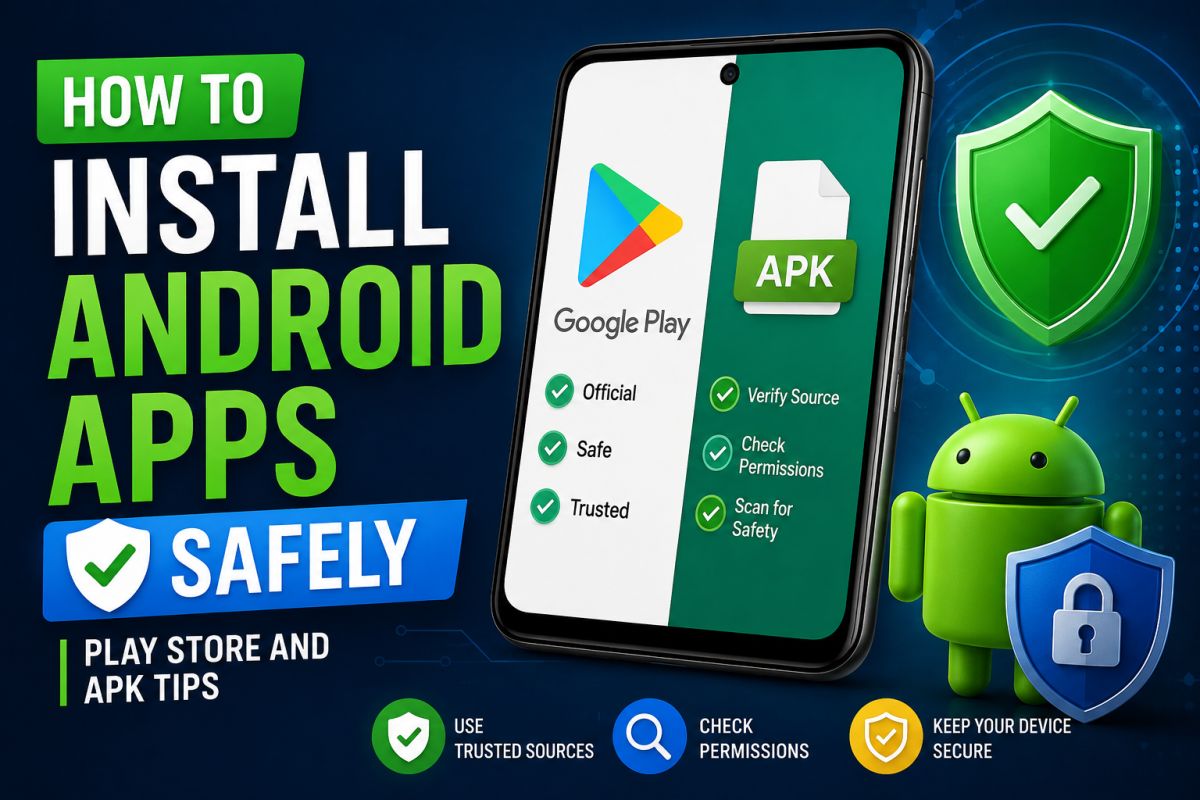
Most apps should come from Google Play. Sometimes you need an APK from a manufacturer or open-source project. Safety depends on the source and your settings.
1. Prefer Google Play
- Automatic security checks
- Update notifications
- Easier uninstall and permissions control
Read permissions and recent reviews before installing.
2. When people use APK files
- App not available in your country
- Open-source builds (for example F-Droid projects)
- OEM tools from a vendor site
APK means the install package. It is not automatically malware — but random APK sites are high risk.
3. Safer APK habits
- Download only from official project pages or well-known stores you trust
- Compare the site URL carefully (fake domains are common)
- After install, open Settings → Apps → the app → Permissions and remove what is unnecessary
4. Unknown sources / Install unknown apps
Android lets you allow installs per browser or file manager. Enable only when needed, install the app, then disable the permission again.
5. Warning signs
- Play Store redirects to strange “Download” buttons
- APK requests accessibility service or device admin without a clear reason
- App name does not match the icon or developer you expect
6. After a bad install
- Uninstall the app
- Run Play Protect scan
- Change Google password if you entered it on a fake screen
- Use Safe Mode if pop-ups continue
Summary: Use Play Store when possible. For APKs, stick to official sources, limit “unknown apps” permission, and review permissions after install.
💬 Comments (0)
💬 Leave a Comment
No comments yet. Be the first to comment!