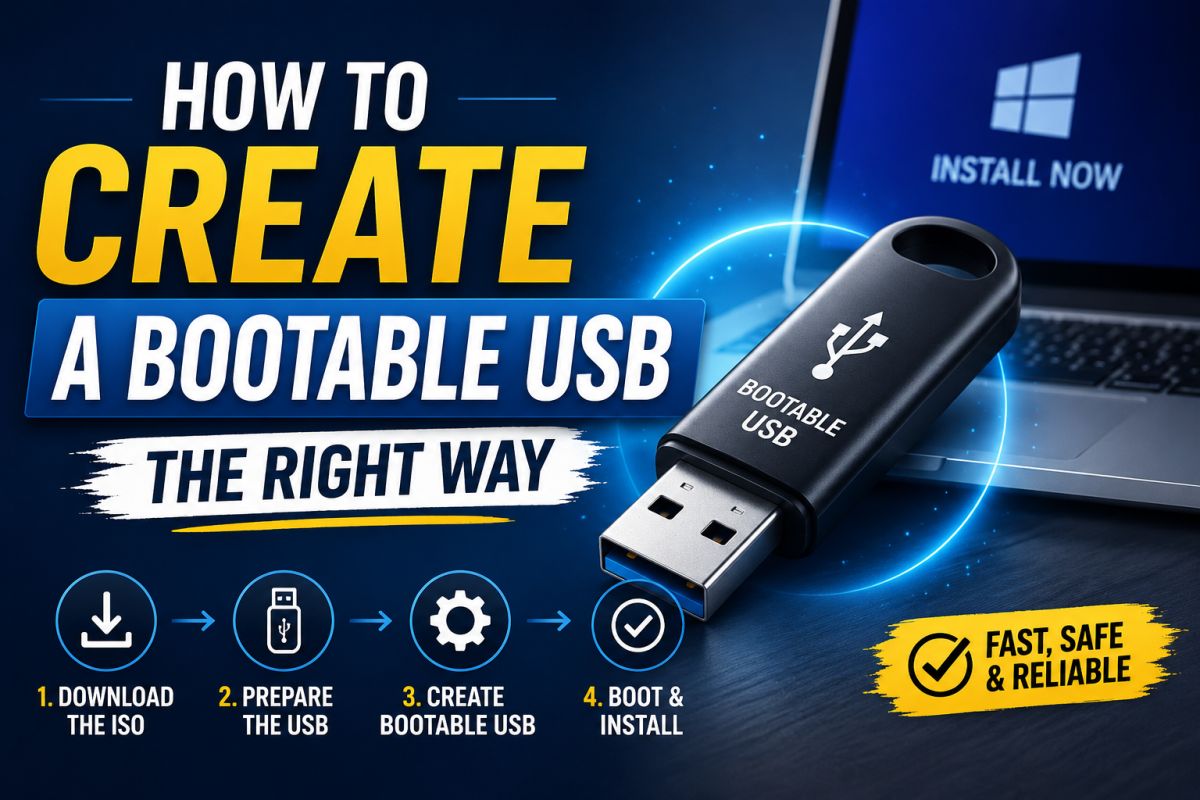
A reliable bootable USB avoids failed installs and “not bootable” errors. The mindset matters as much as the tool.
1. Use a good USB drive
Prefer a known brand, USB 3.0 if possible, and enough capacity for the image (8GB+ for many Windows ISOs).
2. Download the official image
Get Windows ISO from Microsoft, or Linux ISO from the distro’s site. Avoid “Windows ISO + tools” packs from unknown blogs.
3. Pick the right writer
Tools such as Rufus or balenaEtcher are popular. For Windows media, Microsoft’s Media Creation Tool is also valid.
4. Choose correct target
Double-check the target drive letter. Writing to the wrong disk can erase data.
5. Partition / boot mode
UEFI systems usually need GPT + UEFI bootable media. Legacy BIOS may need MBR. Match the machine you will install on.
6. Test boot order
Enter firmware settings, enable USB boot if needed, and pick the stick once.
Common mistakes
- Corrupt ISO (verify checksum when provided)
- Wrong drive selected
- USB port issues — try another port
Slow down at selection and verification; speed comes after the stick is known-good.
💬 Comments (0)
💬 Leave a Comment
No comments yet. Be the first to comment!