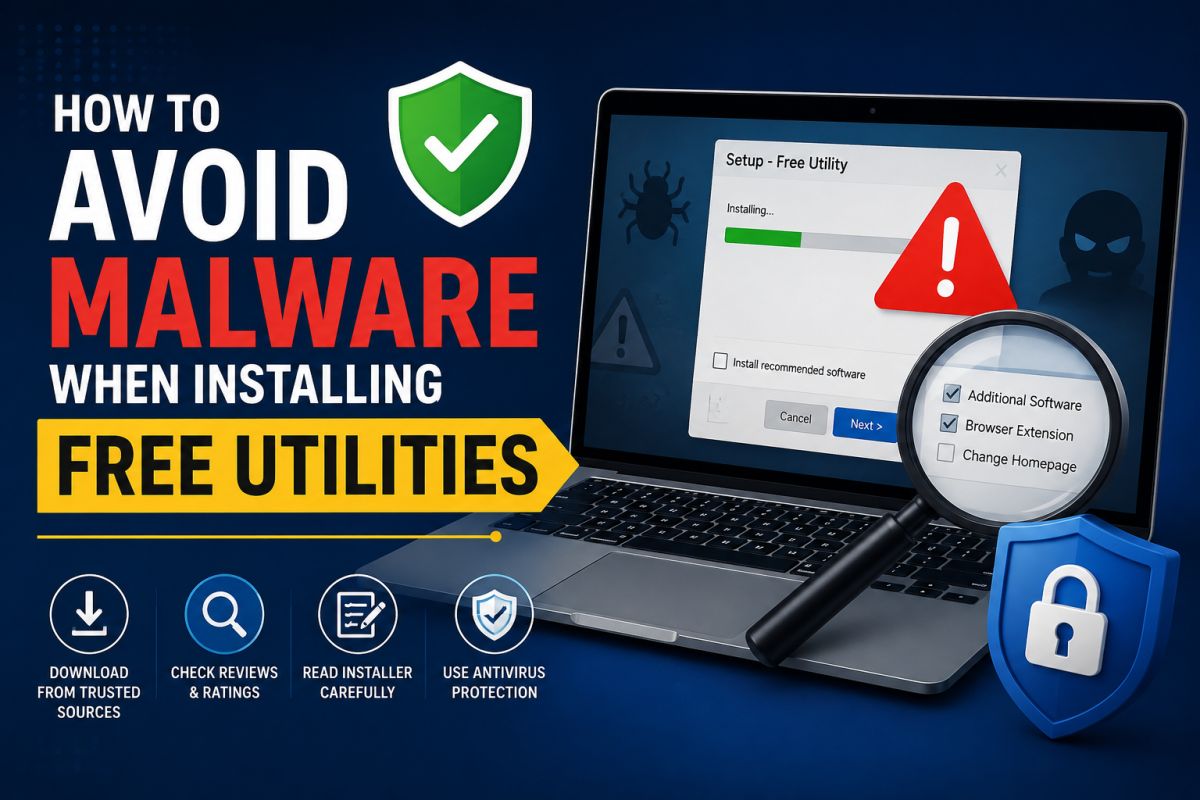
Free utilities are useful — disk cleaners, info tools, archivers — but the install path is where many infections start.
Habits that reduce risk
- Download from known publishers — official sites or established open-source projects.
- Scan the installer before you run it.
- Use Custom install and decline bundled offers.
- Read every checkbox — toolbars and “partners” are often optional.
- Keep Windows updated so built-in protections work.
- Do not disable SmartScreen for unknown files without a strong reason.
- Prefer portable builds only from projects you trust.
Red flags
- Site full of fake Download buttons
- Installer asks for unrelated browser changes
- File name does not match the product
- “Crack” or “keygen” next to a paid tool
After install
If the PC behaves oddly (new homepage, pop-ups, high CPU), uninstall the last program and scan offline if needed.
Malware avoidance is mostly discipline at download and install time.
💬 Comments (0)
💬 Leave a Comment
No comments yet. Be the first to comment!