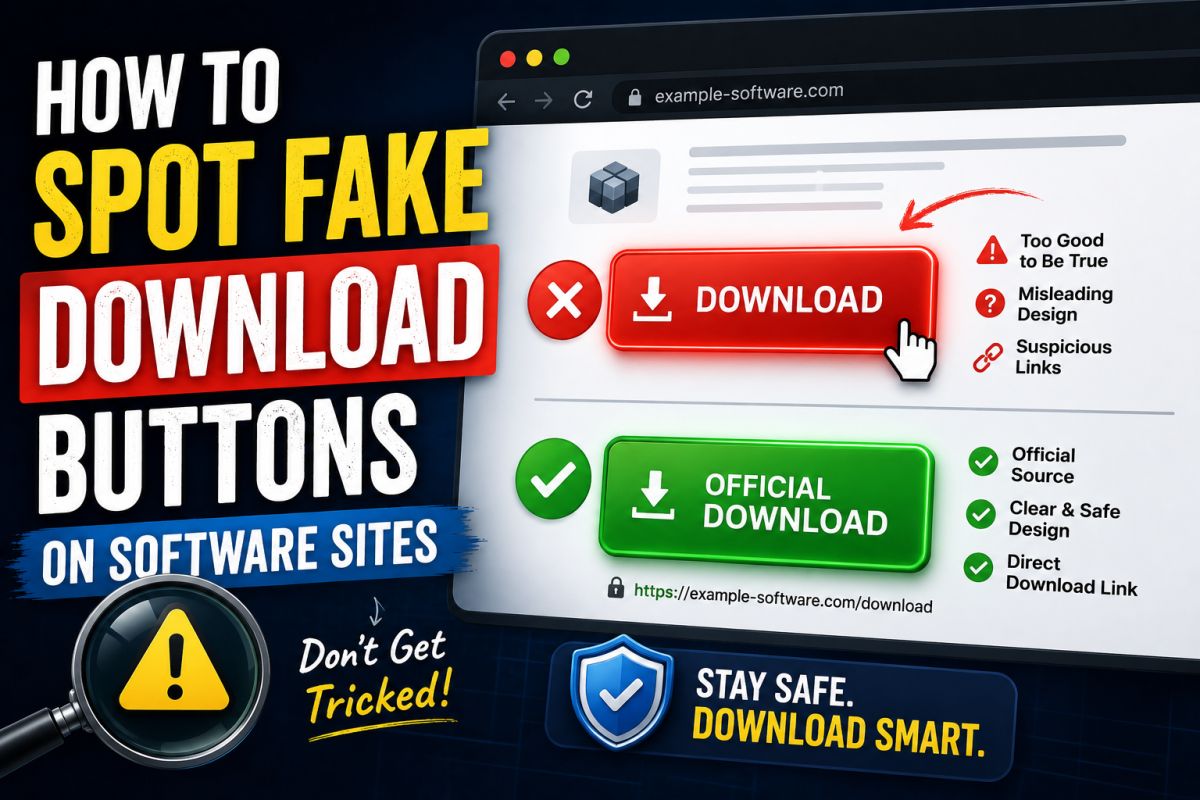
Ad blocks sometimes look like the real download button. One wrong click can install unwanted software.
Red flags
- Multiple large green “Download” buttons
- Buttons that jump when you aim the cursor
- Countdown timers pushing “offers”
- Domain different from the site you typed
- File name like setup_bundle.exe instead of the product name
Safer habit
- Go to the official site or a trusted listing page.
- Find the download section in the main article content.
- Confirm file name and size when shown.
- Scan the file after download.
On QuickFixFile
We keep the primary download control inside the post content. Sponsored slots are labeled separately.
Slow down for one second before every download click.
💬 Comments (0)
💬 Leave a Comment
No comments yet. Be the first to comment!