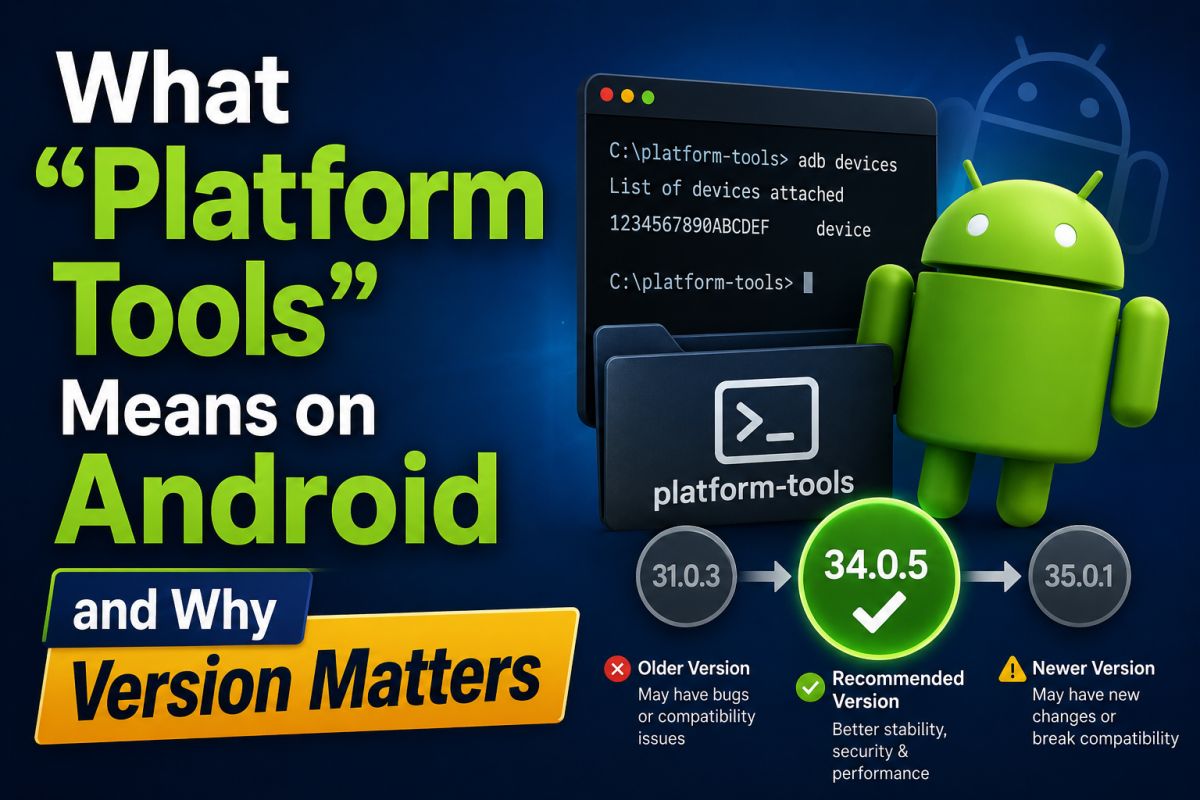
Platform-Tools is Google’s package that includes adb and fastboot for communicating with Android devices from a PC.
Why version matters
Newer builds fix bugs and support newer device behaviors. Prefer official packages over random “ADB installers.”
What is inside
- adb — talks to a running Android system (with debugging authorized)
- fastboot — talks to the bootloader for flash/repair workflows
How to stay compatible
- Download platform-tools from the official Android developer site.
- Replace old copies instead of mixing random installers.
- Keep USB drivers correct for your brand when Windows does not detect the device.
Warnings
Fastboot flashing on the wrong image can brick a device. Use these tools only on devices you own or are authorized to service.
💬 Comments (0)
💬 Leave a Comment
No comments yet. Be the first to comment!