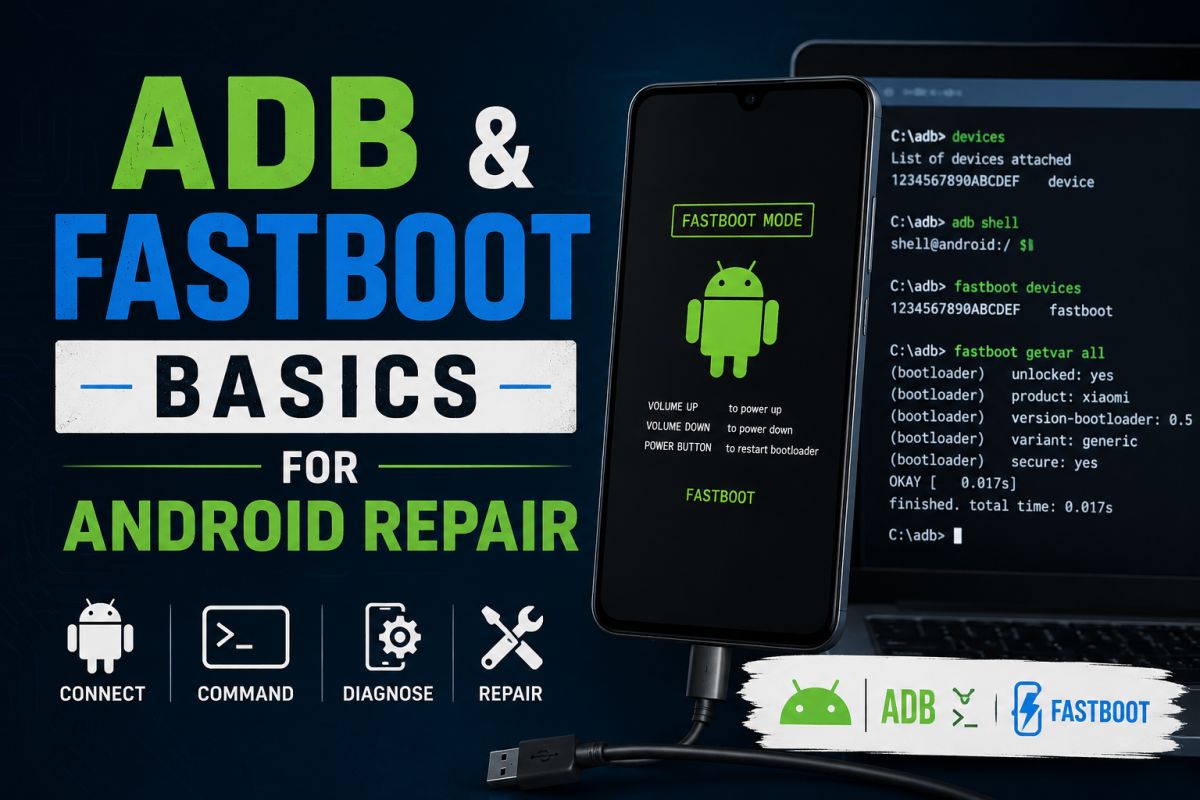
ADB (Android Debug Bridge) and Fastboot are command-line tools used by developers and repair technicians to communicate with Android devices.
What ADB is for
- Debug apps and view logs
- Install or uninstall packages when authorized
- Access a device over USB while Android is running (with debugging enabled)
What Fastboot is for
Fastboot talks to the bootloader. It is used for flashing partitions when a device is in fastboot mode — not during normal Android use.
When technicians use them
Repair shops may use ADB/Fastboot for diagnostics, authorized unlock flows, or recovery work on devices they are allowed to service.
Safety warnings
- Enable USB debugging only when you need it, then turn it off
- Never flash images meant for a different model
- Wrong fastboot commands can brick a phone
- Only work on devices you own or are authorized to repair
Getting the tools
Prefer Google’s official platform-tools package rather than random “ADB installers” from unknown sites.
Learn the concepts first; treat flashing as advanced work with real risk.
💬 Comments (0)
💬 Leave a Comment
No comments yet. Be the first to comment!